BACKGROUND
ROLE
UX Designer
TIMELINE
3 months
SKILLS
Design, Research, Wire-framing, Prototyping
TOOLS
Figma
THE CHALLENGE
The previous iteration of the Price of Glory main menu focused on the company’s goal of placing tournaments immediately in front of the user. However, this design had limitations. The layout users landed on did not make it immediately clear where the user was supposed to go or what the user was supposed to do. Furthermore, the current design was quickly proving to be limiting when adding new features to the game.
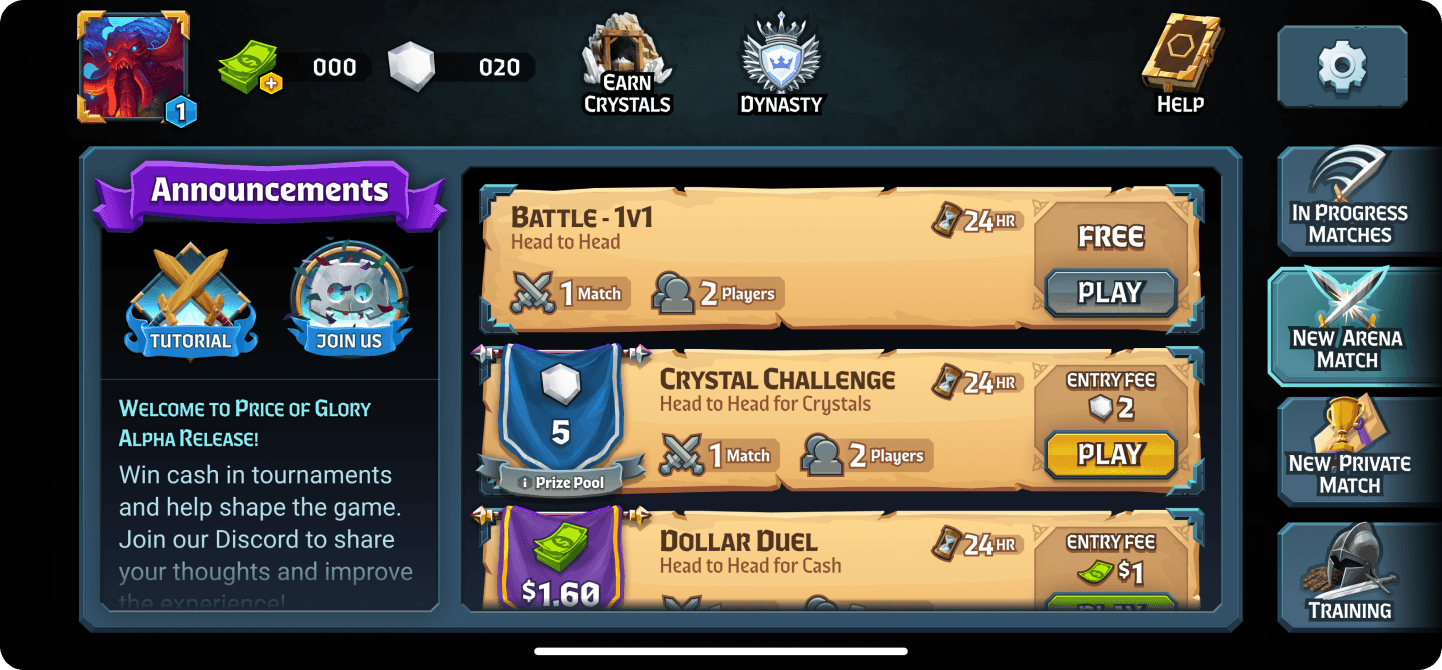
Considering the problems presented, we needed an updated design that would allow us to more intentionally guide players through the game and allow us the flexibility and space to grow as we were rapidly adding new features to the game.
THE SOLUTION
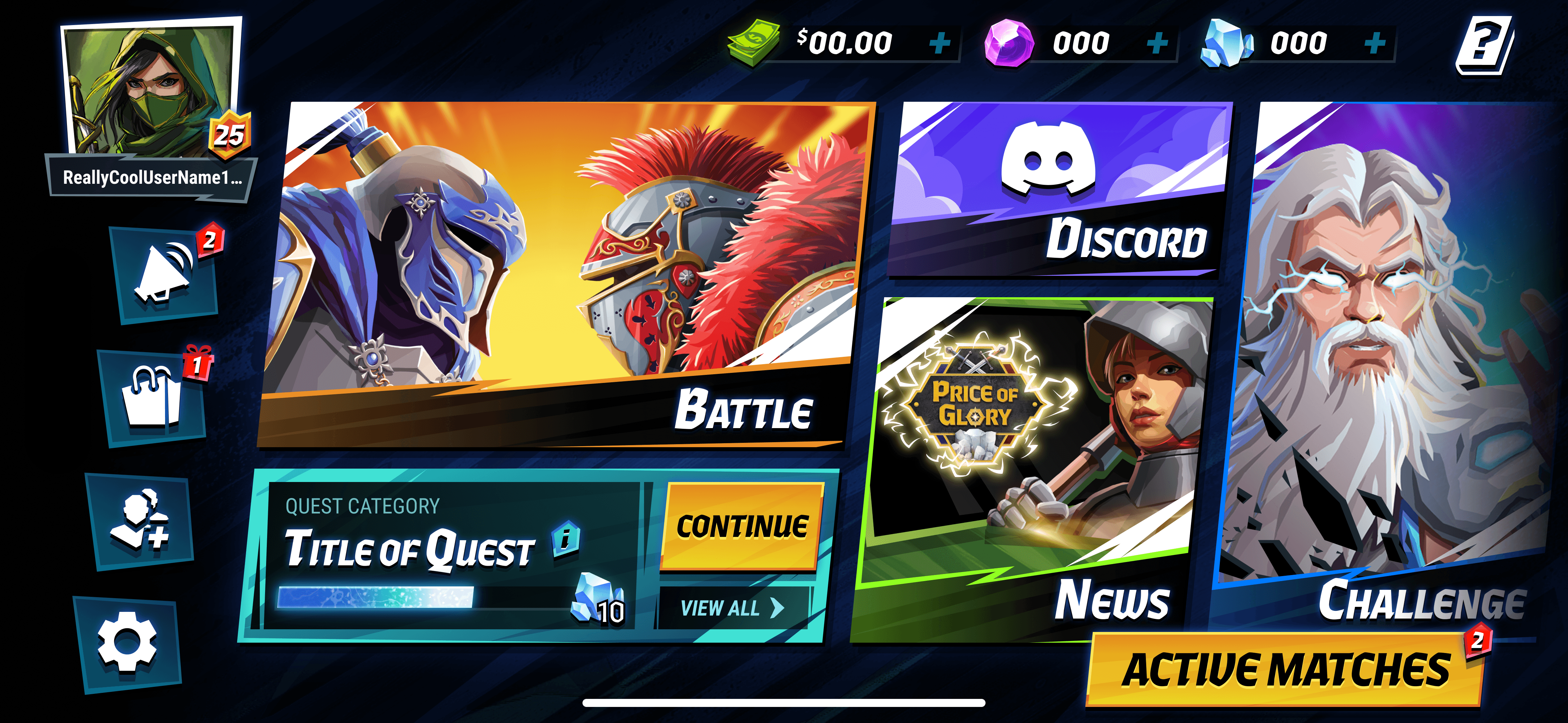
Players have quick access to gameplay with visual emphasis used to draw new users to the action. Flows are intentionally broken down into paths that help to get users quickly into a match, while not overloading new users with options. All while still highlighting the excitement and appeal of tournaments.
Beyond the improvements to the user experience, this new design is able to scale and grow with new features to alleviate the need to rearrange the UI every time a feature is added.
STEP 1
RESEARCH
In order to best evolve the Main Menu design for Price of Glory, I wanted to first analyze some core patterns in other mobile games and see how competitors handle some of the design issues we were trying to address. The goal is to figure out how we can make the intended flows clearer and design with future features in mind.
COMPETITIVE ANALYSIS
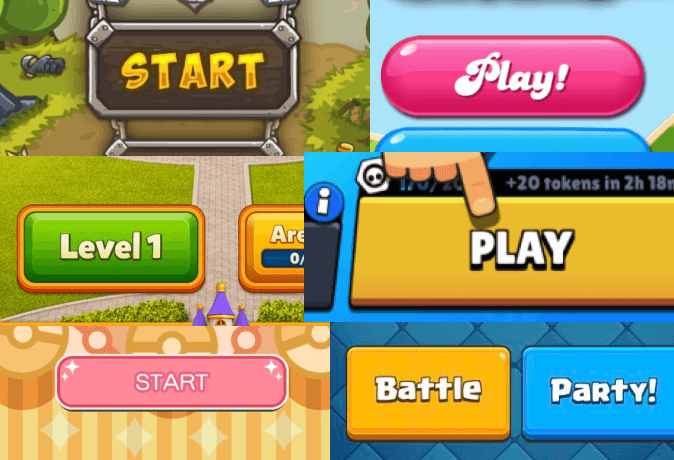
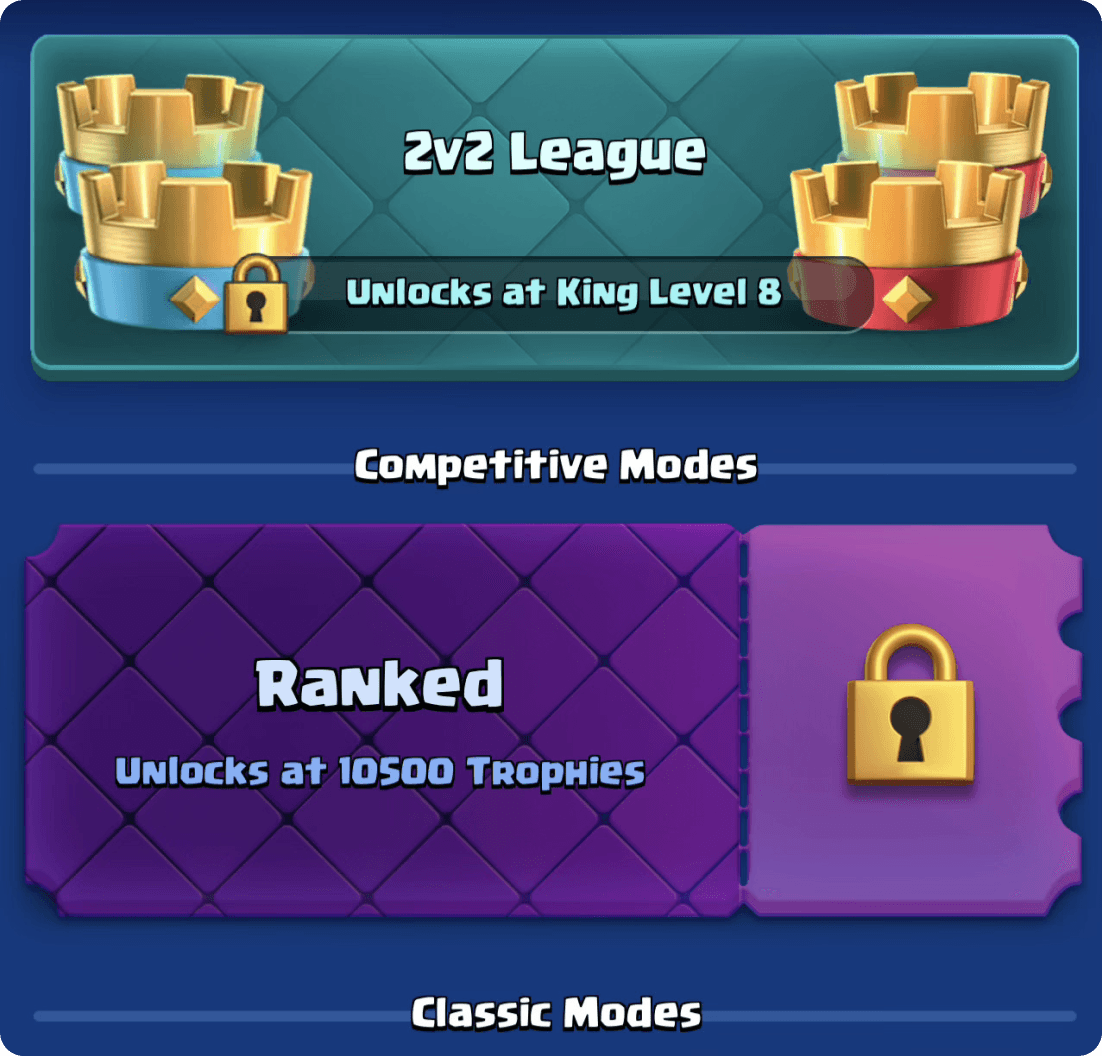
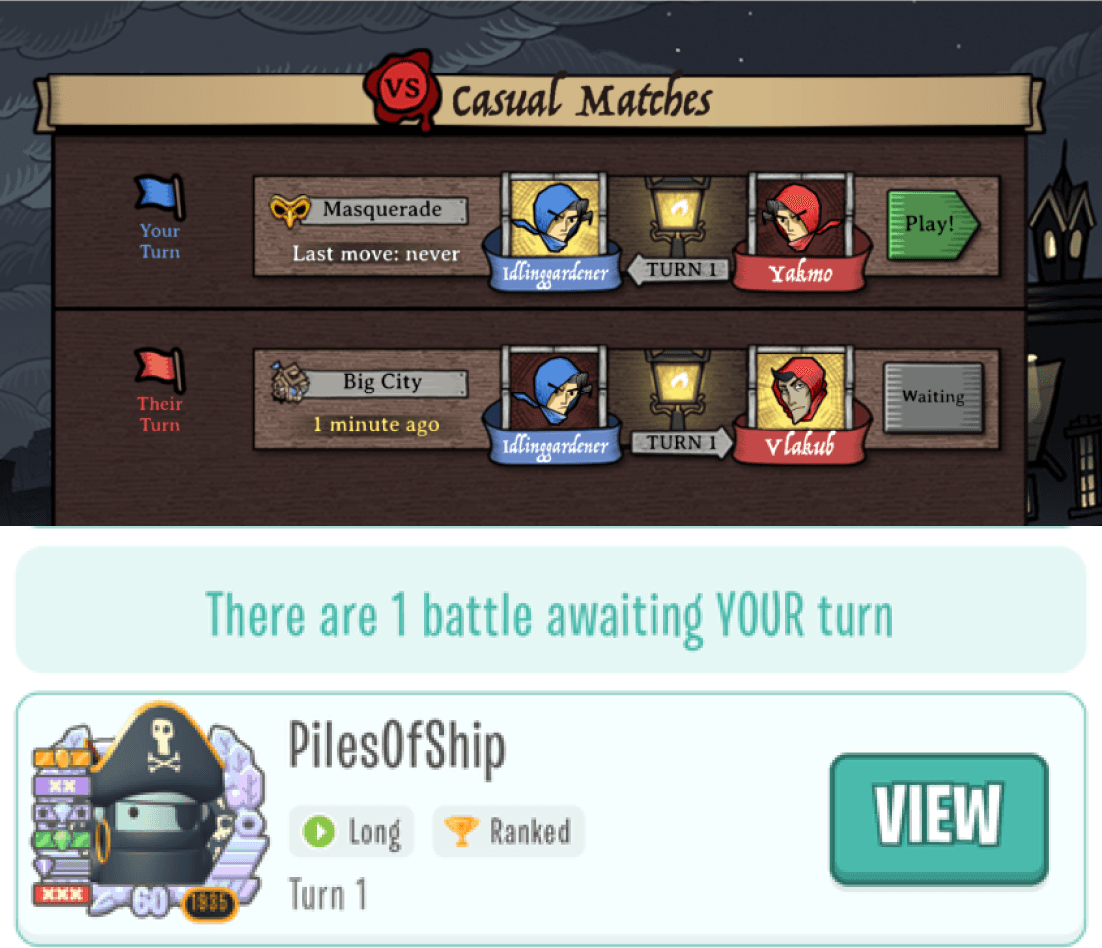
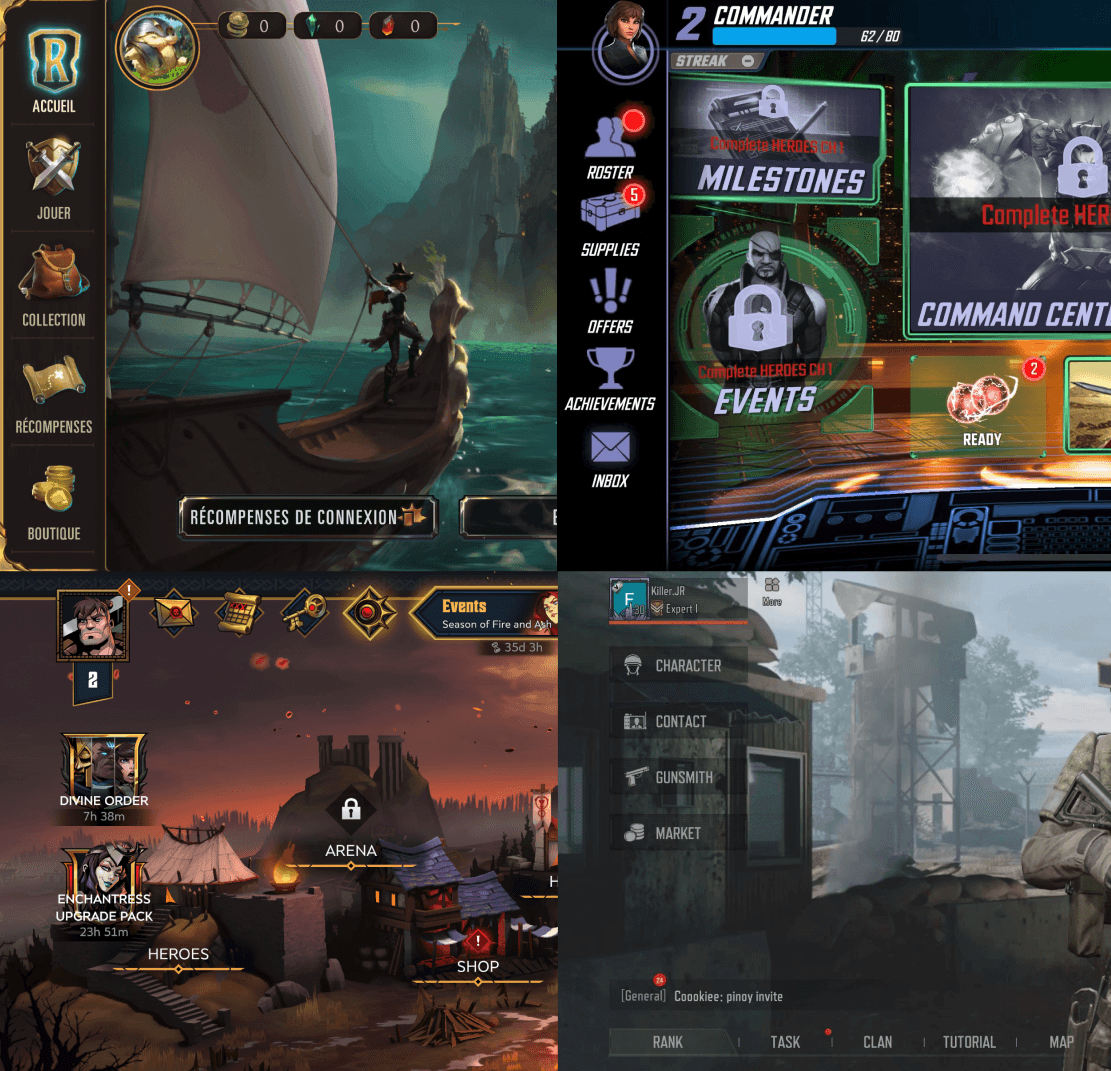
I analyzed a variety of successful mobile games to identify key patterns in user journeys, as well as some games that more specifically reflected some of the unique aspects of our game such as asynchronous matches.
01
02
03
04
STEP 2
DESIGN
With these discoveries, I worked on sketching out some different options for Main Menu layouts and creating a low-fidelity mockup and prototype that were then handed off for the high-fidelity designs and implementation.
USER FLOW
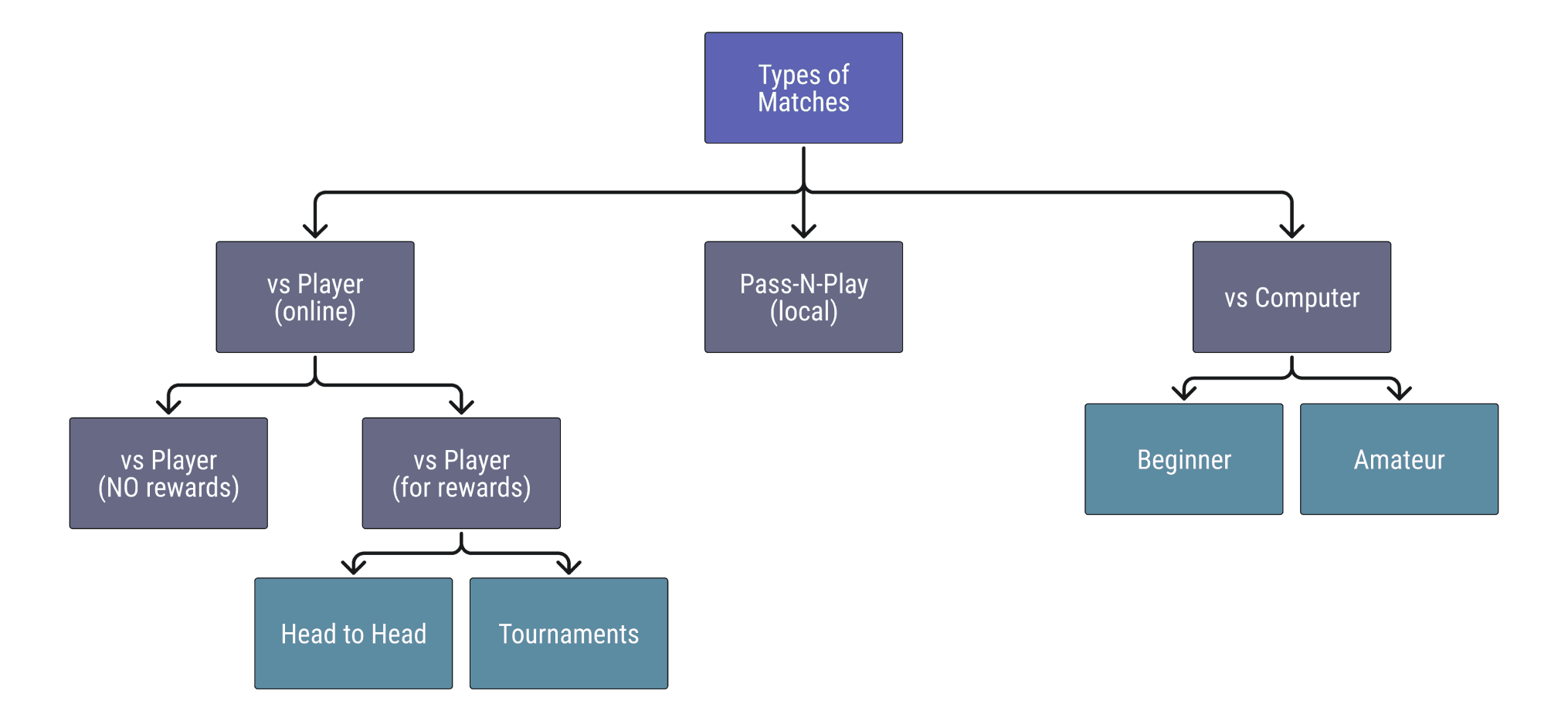
Breaking down the different types of matches a player could join helped me discover different ways to group choices the player would have to make in a way that makes it easier to understand and allows them to quickly make those decisions, without sacrificing the speed and effort it takes to get into a match.
WIREFRAMING
After spending time on a few low-fidelity wireframes, I was able to narrow down to one design that captured the needs of our game that included some essential elements to address the problems with our current design.
01
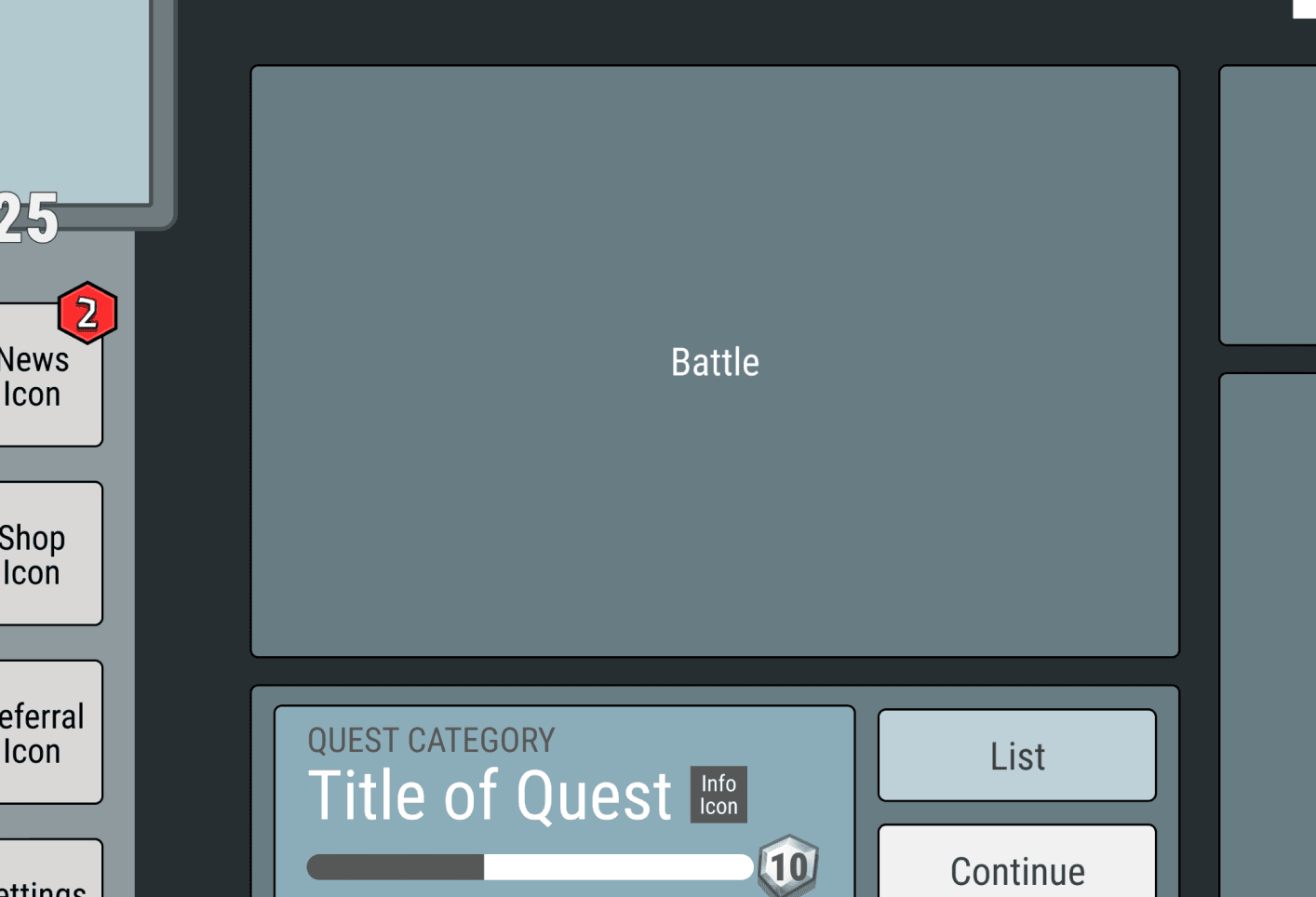
Displaying a large, prominent Battle Button on the Main Menu makes it clearer to new users how to get to the action and see what the game is like.
02
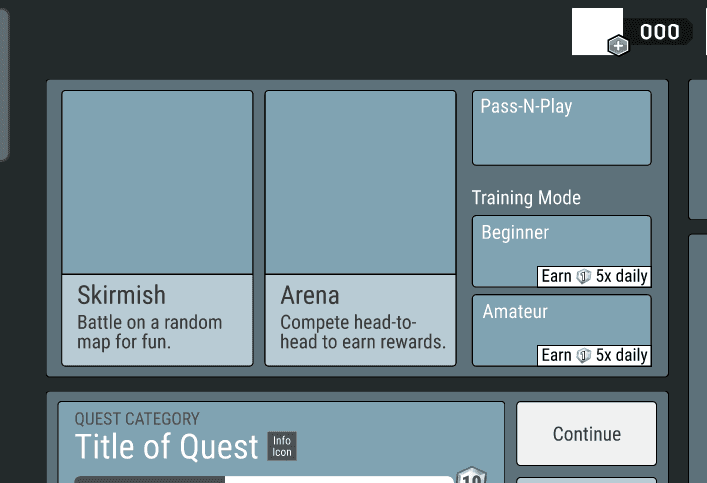
Grouping the match options under the expanding Battle Button helps to lower the cognitive load on landing and present choices in bite-sized chunks.
03
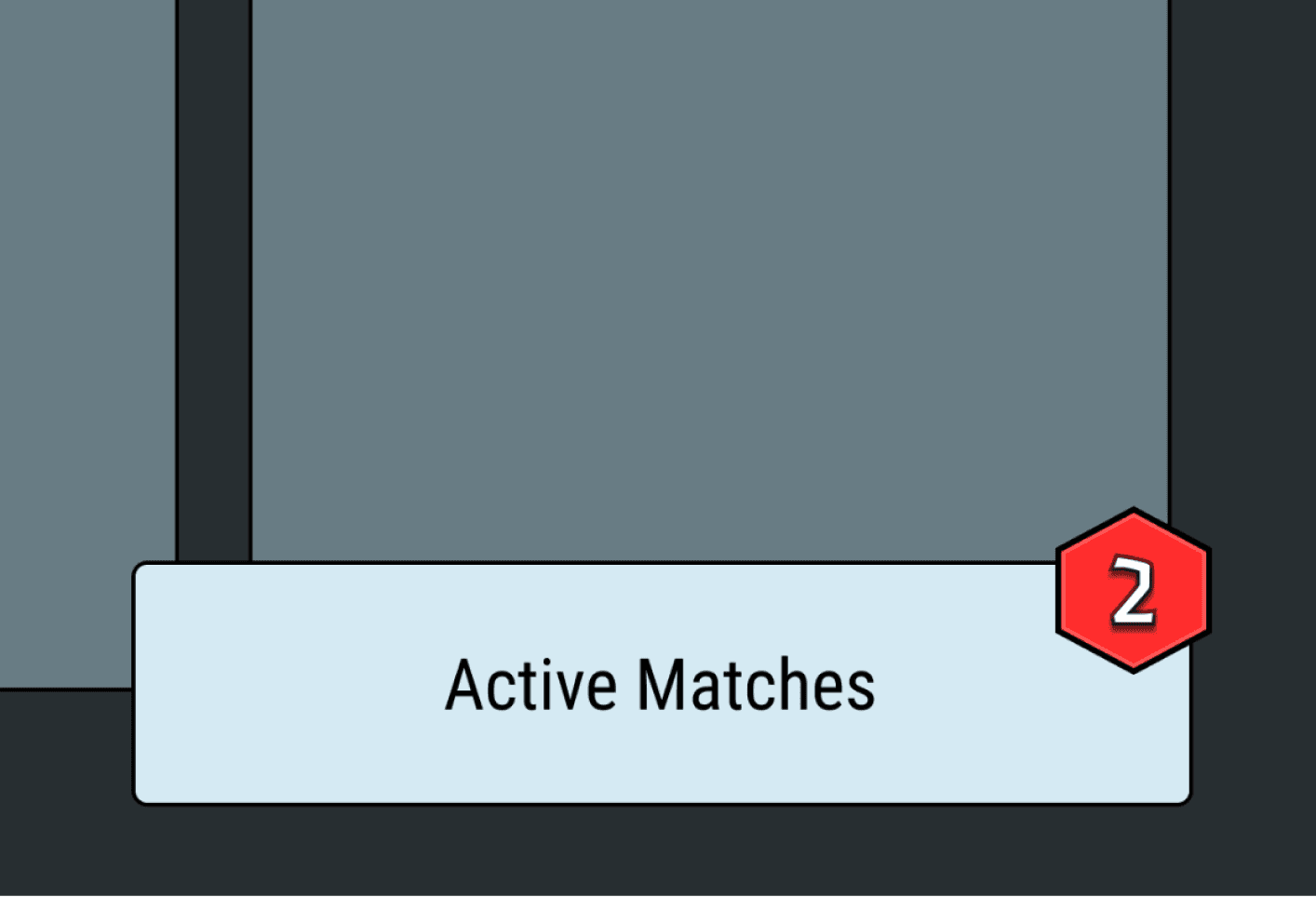
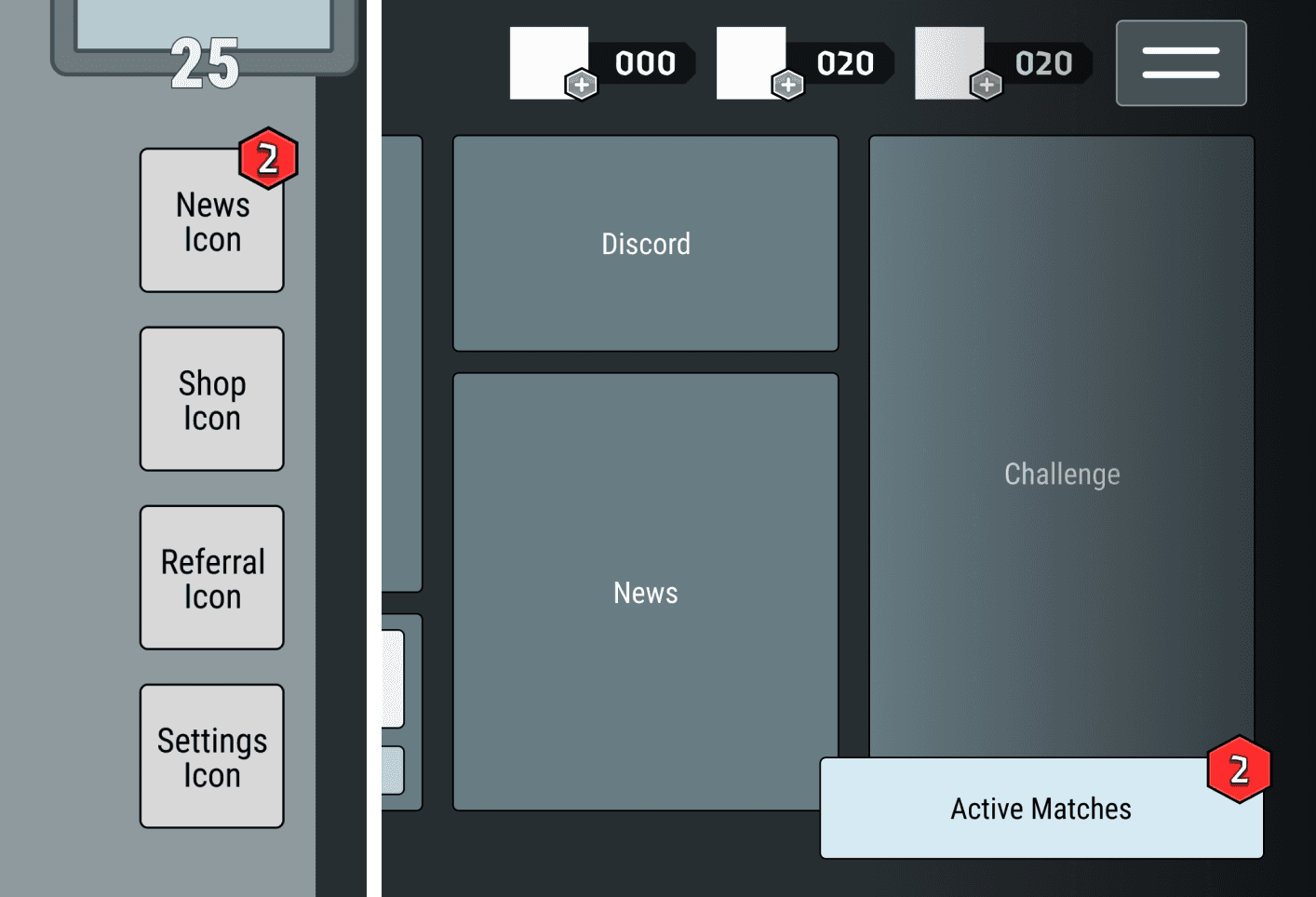
With the Main Menu change, it was important that Active Matches still be highly accessible.
Making it a floating action button that opens its own screen allows us to create options for players to launch their Active Matches List from other places in the app, such as within matches.
04
STEP 3
RESULTS
The final design balanced quick access to gameplay with low cognitive load, all while giving us room to grow and add more features.
STEP 4
REFLECTION
If given the chance to iterate further, there are a few additional elements I would love to improve to refine the Main Menu design.
01
For our first version we did not have enough features to require a hamburger menu option. However, I think it would be good to go ahead and incorporate it to make more buried options more accessible and get users used to it as a navigational element.
02
With the given time frame and resources, our animations were limited. Given more time, I would have loved to make the animation of the Battle Button expansion a smoother and more fun transition for added polish.